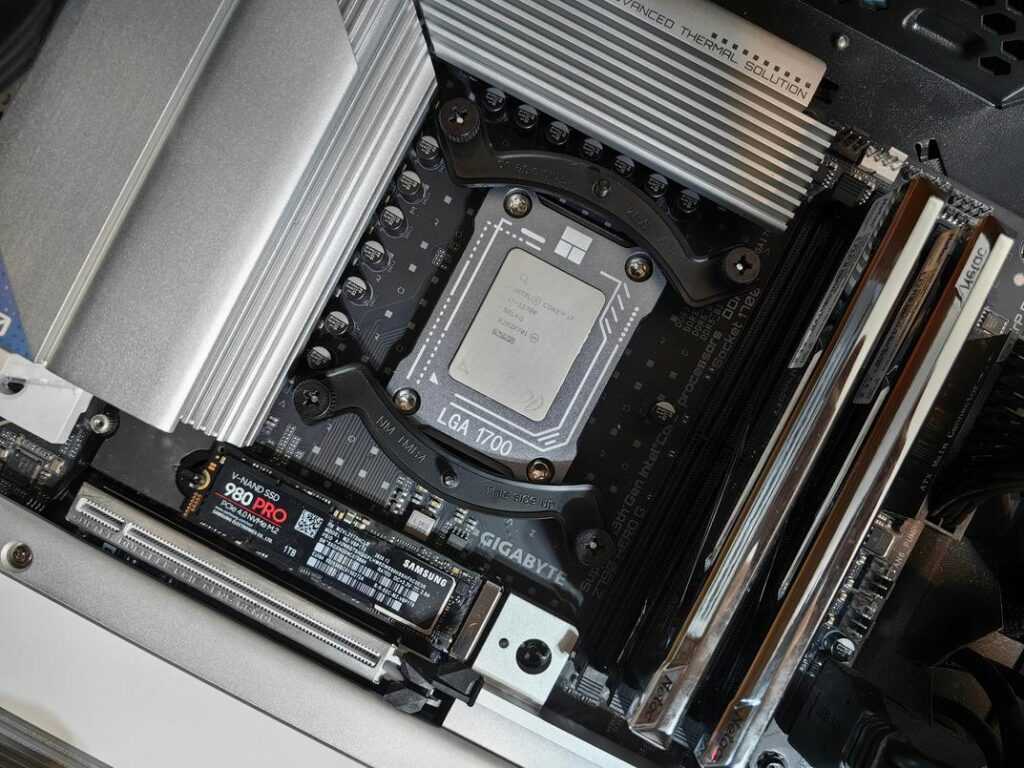
Step 2: The Core Components – Selecting the Brains and Brawn
As you customize your game controller using open-source tools, consider how Procedural Generation Techniques in Modern Games can enhance your gameplay experience by adding unique elements tailored to your new setup.
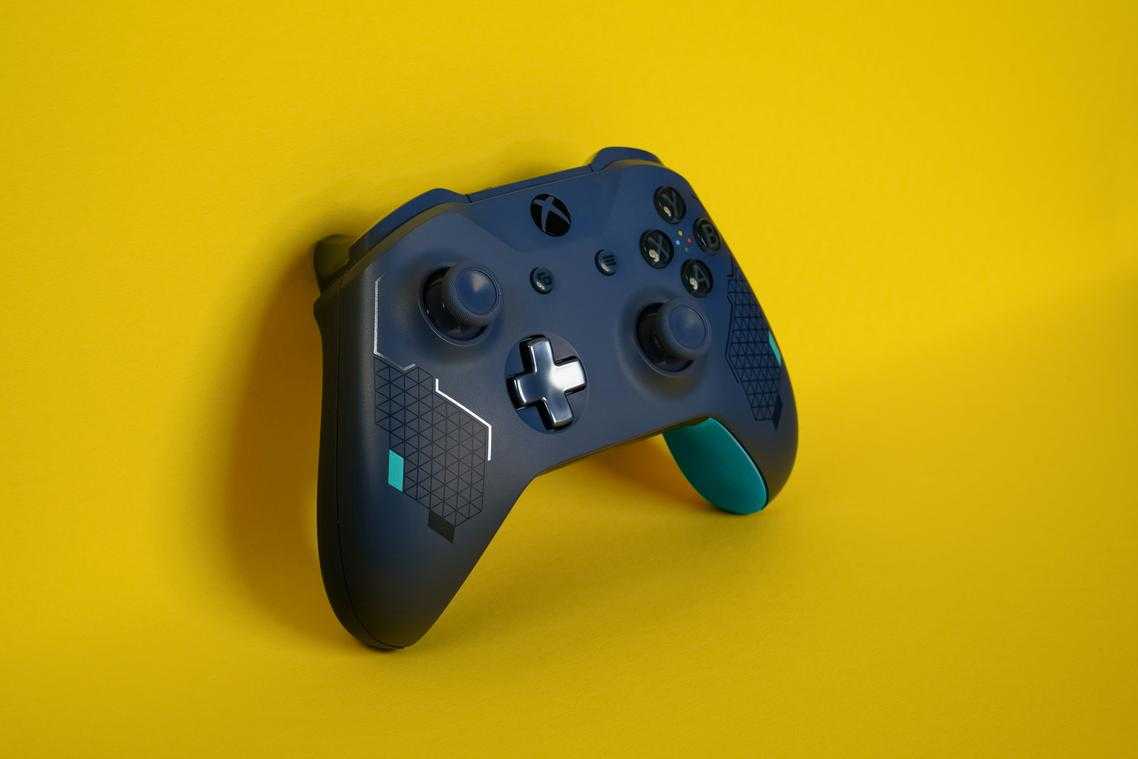
Now we’re choosing the parts that determine whether your controller feels tournament-ready—or ends up as desk décor.
The Microcontroller (The Brain)
The microcontroller is the processing unit that interprets your inputs and sends them to your PC or console. Popular options like the Raspberry Pi Pico (RP2040 chip, dual-core ARM Cortex-M0+ at 133 MHz) and the Arduino Pro Micro (ATmega32U4 with native USB support) offer low latency and broad compatibility.
The real advantage? Open-source firmware such as GP2040-CE. Open-source firmware means the code is publicly available and community-maintained, which improves compatibility and reduces input lag through frequent updates. GP2040-CE supports XInput and DirectInput modes for PC and console adapters, making your custom game controller build far more versatile.
Pro tip: Choose a board with USB-C and sufficient GPIO pins—you’ll thank yourself during future upgrades.
Joysticks and Sensors
Traditional joysticks use potentiometers—variable resistors that wear down over time, causing the dreaded stick drift (unintended movement without input). Hall effect joysticks, by contrast, use magnetic sensors to detect position without physical contact. No friction means dramatically longer lifespan and higher precision.
In competitive shooters or racing sims, that consistency matters. It’s the difference between landing the headshot or watching it miss by a pixel (and blaming “lag”).
Buttons, Switches, and Triggers
Buttons define feel. Membrane pads are quiet and soft, common in stock controllers. Tactile “mouse-click” switches provide sharp feedback and fast actuation—ideal for fighting games. Linear mechanical switches deliver smooth, consistent presses favored in rhythm or FPS titles.
Triggers come in two forms:
- Digital triggers: Instant on/off input for rapid firing.
- Analog triggers: Variable input depth for throttle control in racing games.
Each component isn’t just a feature—it’s a performance choice.
A Controller Built By You, For You
You came here looking for a way out of the limitations of mass-produced hardware—and now you have the roadmap. No more settling for awkward grips, cramped layouts, or buttons that don’t respond the way you need them to. A generic controller forces compromise. A custom game controller build eliminates it.
By following these steps, you’ve replaced a one-size-fits-all device with a personalized, high-performance tool designed around your hands, your playstyle, and your competitive goals. That’s how you gain a real edge.
Now take the first step: define your ideal ergonomics and start your custom game controller build today. Stop adapting to your controller—build one that adapts to you.
 Senior Gaming Tutorials & Strategy Specialist
Marilyn Nelsoneriken has opinions about tech-powered gaming innovations. Informed ones, backed by real experience — but opinions nonetheless, and they doesn't try to disguise them as neutral observation. They thinks a lot of what gets written about Tech-Powered Gaming Innovations, World-Class eSports Frameworks, Gaming Trend Tracker is either too cautious to be useful or too confident to be credible, and they's work tends to sit deliberately in the space between those two failure modes.
Reading Marilyn's pieces, you get the sense of someone who has thought about this stuff seriously and arrived at actual conclusions — not just collected a range of perspectives and declined to pick one. That can be uncomfortable when they lands on something you disagree with. It's also why the writing is worth engaging with. Marilyn isn't interested in telling people what they want to hear. They is interested in telling them what they actually thinks, with enough reasoning behind it that you can push back if you want to. That kind of intellectual honesty is rarer than it should be.
What Marilyn is best at is the moment when a familiar topic reveals something unexpected — when the conventional wisdom turns out to be slightly off, or when a small shift in framing changes everything. They finds those moments consistently, which is why they's work tends to generate real discussion rather than just passive agreement.
Senior Gaming Tutorials & Strategy Specialist
Marilyn Nelsoneriken has opinions about tech-powered gaming innovations. Informed ones, backed by real experience — but opinions nonetheless, and they doesn't try to disguise them as neutral observation. They thinks a lot of what gets written about Tech-Powered Gaming Innovations, World-Class eSports Frameworks, Gaming Trend Tracker is either too cautious to be useful or too confident to be credible, and they's work tends to sit deliberately in the space between those two failure modes.
Reading Marilyn's pieces, you get the sense of someone who has thought about this stuff seriously and arrived at actual conclusions — not just collected a range of perspectives and declined to pick one. That can be uncomfortable when they lands on something you disagree with. It's also why the writing is worth engaging with. Marilyn isn't interested in telling people what they want to hear. They is interested in telling them what they actually thinks, with enough reasoning behind it that you can push back if you want to. That kind of intellectual honesty is rarer than it should be.
What Marilyn is best at is the moment when a familiar topic reveals something unexpected — when the conventional wisdom turns out to be slightly off, or when a small shift in framing changes everything. They finds those moments consistently, which is why they's work tends to generate real discussion rather than just passive agreement.