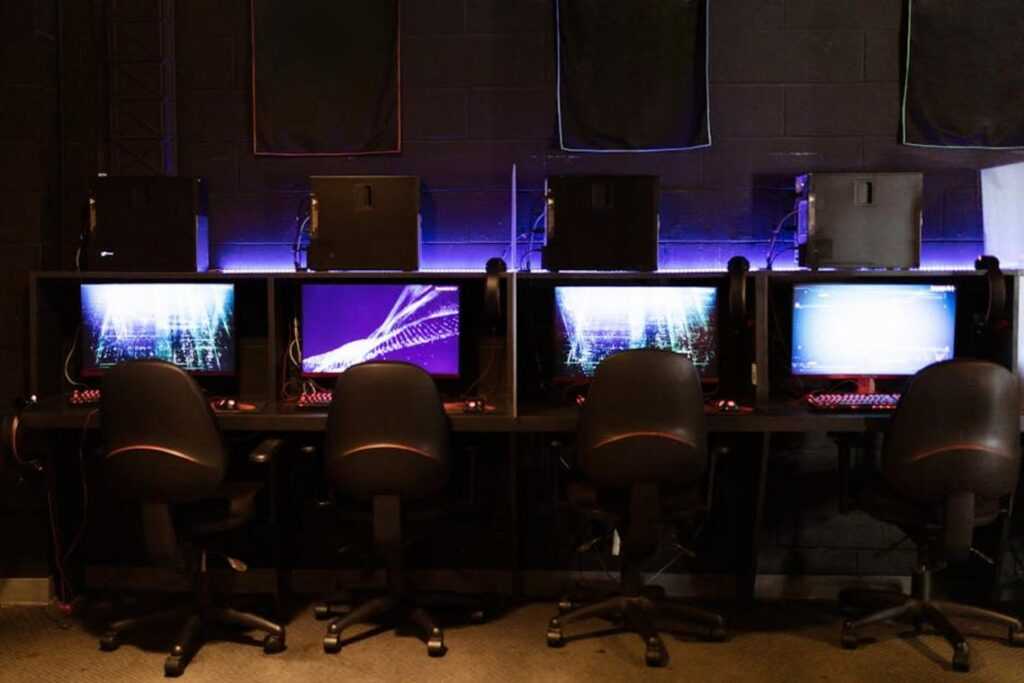

You’re pumped to start streaming games but feel lost, right? I get it. There’s so much noise and jargon that makes it all overwhelming.
But don’t worry. That’s what I’m here for.
This is your game streaming beginner guide, and I’m cutting through the clutter. You’ll get a clear, step-by-step path that skips the fluff. I’ve dug into gaming tech trends and know what separates the successful from the wannabes.
You deserve a roadmap that takes you from zero to ‘Go Live’ with confidence and no headaches. Trust me, by the end, you’ll know exactly what to do.
Gearing Up: The Important Hardware You Actually Need
Starting a game streaming channel can feel like a money pit. But you know what? You don’t need to break the bank right out of the gate.
In this game streaming beginner guide, I’ll show you how to start smart and upgrade later. Does that sound good?
First off, focus on a capable machine. Whether it’s a PC or a console, this is your main tool. You need a modern processor and enough RAM to run your games smoothly.
If you’re leaning towards consoles, they have built-in streaming capabilities that make them a breeze to start with. No need for complex setups.
Next, let’s talk about microphones. Audio quality is often more important than video. Trust me, no one wants to hear crackling or muffled sounds while you’re narrating your epic gameplay.
A budget-friendly USB mic is a huge step up from the usual headset mic. You’ll notice the difference immediately.
And then there’s the webcam. A simple 1080p webcam is perfect for beginners. Forget about fancy DSLRs for now.
Save those for when you’re rolling in Twitch subs. It’s about getting started, not showing off.
Now, what if you’re wondering about future upgrades? Smart moves include grabbing a ring light or a second monitor. They’re great for improving your setup, but don’t sweat it if they’re not in your budget right now.
They’re more like the cherry on top.
Oh, and if you’re curious about expanding into other gaming setups, check out this guide setting up vr environment. It’s worth a look if VR is on your radar.
So, there it is. Start with what you have. Upgrade as you grow.
It’s all about getting your foot in the door without emptying your wallet. You’re ready. Let’s get streaming!
Your Digital Command Center: Choosing Software & Platform
Let’s get to the heart of your streaming setup. Imagine your streaming software as the glue holding your game, camera, and mic together in one broadcast. You can’t just wave a wand and expect it to work (though that’d be cool).
In the world of free options, OBS Studio and Streamlabs Desktop lead the charge.
OBS Studio is like a blank canvas (solid) and customizable. It’s got all the bells and whistles if you’re ready to tinker. But hey, if you’re just starting out and want simplicity, Streamlabs Desktop has got you covered.
It’s user-friendly with built-in features that make setup a breeze. Trust me, start there. Once you’re comfy, you may find yourself gravitating toward OBS, the industry standard.
Now, let’s talk platforms. Where should you stream? The big three are Twitch, YouTube Gaming, and Facebook Gaming.
Each has its own vibe. Twitch is your go-to if you want to be part of a dedicated gaming community. YouTube is perfect for those hungry for discoverability (think of all those search hits).
And Facebook? It’s ideal if you already have a network of friends waiting to cheer you on.
So, what’s the next step in your game streaming beginner guide? Consider checking out this beginners guide to streaming. It’s packed with takeaways to get you started.
Your First Stream: Get Ready to Go Live
So you’re diving into streaming? Awesome! Let’s make sure you take off smoothly with this game streaming beginner guide.
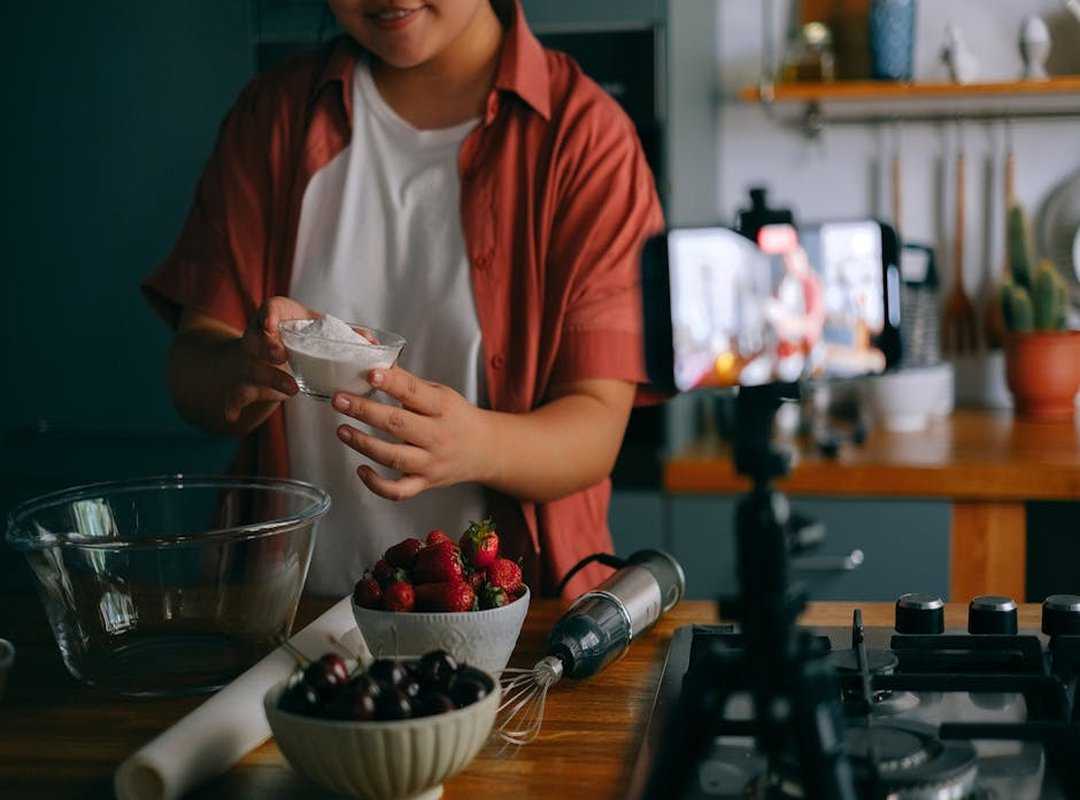
Ready?
- Install Your Software: First things first, grab your software. Link your platform account, like Twitch, to OBS or Streamlabs. (Trust me, it’s easier than it sounds.)
- Set Up Your Scene: What’s a scene, you ask? It’s your stage. Add the essentials: Game Capture, Webcam, Audio Input (that’s your mic).
- Check Your Settings: Don’t skip this. Run the ‘Auto-Configuration Wizard’ in OBS or Streamlabs. It adjusts your bitrate and resolution based on your internet speed.
Think of it like arranging furniture in a room. Make it flow.
You want smooth streaming, right?
- Prepare Your Layout: Arrange your webcam and game view. No one wants to see your face blocking the action (unless that’s your thing). Make sure important stuff stays visible.
- Write a Simple Title: Keep it straightforward. Something like “[Beginner] Playing Fortnite for the First Time! Come say hi!” works.
People like to know what they’re clicking on.
- Hit ‘Go Live’: The big moment. Just do it. It doesn’t have to be perfect.
The goal is to start. You’ll get better with time.
Feeling ambitious? While you’re setting up, maybe consider upgrading your rig. Here’s a how to build gaming pc scratch guide if you’re curious. (Because why not dream big?)
Remember, streaming is about having fun and connecting. Don’t stress if things aren’t flawless. Everyone starts somewhere (even the pros).
So get out there and show the world what you’ve got. Ready, set, stream!
Beyond ‘Go Live’: Secrets to Snagging Your First Fans
When you’re diving into the world of streaming, what’s your competitive advantage? It’s not just about pressing “Go Live.” Growth is where the magic happens, and consistency is king. Seriously.
Having a set schedule, something your viewers. Potential fans (can) rely on, is everything. Stream twice a week, at the same time each day.
You’d be surprised how quickly that builds a following.
Talking to yourself sounds weird, right? But in an empty room (or chat), it’s key. Narrate your gameplay.
Share your thoughts. Paint a picture with your words. It makes the stream engaging, even for the lone viewer dropping by.
Then there’s the choice of game. Picking something oversaturated like Fortnite or Valorant? Not the best start.
Find a niche. Choose a game you love that isn’t drowning in big-name streamers. Your passion will shine through, and that’s infectious.
And here’s a game streaming beginner guide secret: don’t be afraid to end your stream. Wrap it up while the energy’s high. Let them know when you’re coming back.
A focused, energetic two-hour session beats a drawn-out, silent six-hour grind. Trust me, knowing when to call it a day is just as important as knowing when to start.
Ready, Set, Stream!
Starting your streaming journey might seem daunting. Expensive gear, complicated setups. I’ve been there.
But here’s the simple truth: it doesn’t have to be. You now have a clear, budget-friendly plan in your hands. The most important thing?
Just start. Perfection isn’t the goal. Getting out there is.
So, you’ve got this game streaming beginner guide. What’s next? Gear up, follow that checklist, and slam that ‘Go Live’ button.
Your community is out there, waiting for you to join them. Stop hesitating. Jump in.
Start your streaming adventure today. You’re ready. Now go make it happen.
 Gaming Rig Optimization & Tech Innovation Specialist
There is a specific skill involved in explaining something clearly — one that is completely separate from actually knowing the subject. Joana Dillardoniel has both. They has spent years working with tech-powered gaming innovations in a hands-on capacity, and an equal amount of time figuring out how to translate that experience into writing that people with different backgrounds can actually absorb and use.
Joana tends to approach complex subjects — Tech-Powered Gaming Innovations, Expert Tutorials, World-Class eSports Frameworks being good examples — by starting with what the reader already knows, then building outward from there rather than dropping them in the deep end. It sounds like a small thing. In practice it makes a significant difference in whether someone finishes the article or abandons it halfway through. They is also good at knowing when to stop — a surprisingly underrated skill. Some writers bury useful information under so many caveats and qualifications that the point disappears. Joana knows where the point is and gets there without too many detours.
The practical effect of all this is that people who read Joana's work tend to come away actually capable of doing something with it. Not just vaguely informed — actually capable. For a writer working in tech-powered gaming innovations, that is probably the best possible outcome, and it's the standard Joana holds they's own work to.
Gaming Rig Optimization & Tech Innovation Specialist
There is a specific skill involved in explaining something clearly — one that is completely separate from actually knowing the subject. Joana Dillardoniel has both. They has spent years working with tech-powered gaming innovations in a hands-on capacity, and an equal amount of time figuring out how to translate that experience into writing that people with different backgrounds can actually absorb and use.
Joana tends to approach complex subjects — Tech-Powered Gaming Innovations, Expert Tutorials, World-Class eSports Frameworks being good examples — by starting with what the reader already knows, then building outward from there rather than dropping them in the deep end. It sounds like a small thing. In practice it makes a significant difference in whether someone finishes the article or abandons it halfway through. They is also good at knowing when to stop — a surprisingly underrated skill. Some writers bury useful information under so many caveats and qualifications that the point disappears. Joana knows where the point is and gets there without too many detours.
The practical effect of all this is that people who read Joana's work tend to come away actually capable of doing something with it. Not just vaguely informed — actually capable. For a writer working in tech-powered gaming innovations, that is probably the best possible outcome, and it's the standard Joana holds they's own work to.