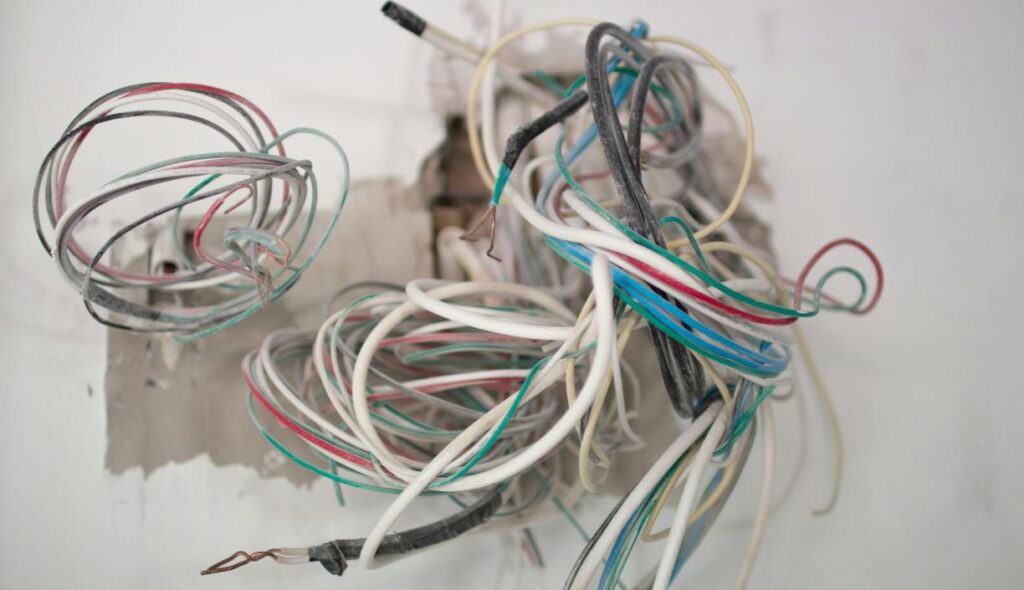
If you’re searching for practical pc cable management tips, you’re likely tired of cluttered wires, restricted airflow, and a setup that doesn’t look or perform the way it should. Clean cable management isn’t just about aesthetics — it directly impacts cooling efficiency, upgrade flexibility, dust buildup, and overall system longevity. This guide is designed to give you clear, actionable steps to organize your cables properly, whether you’re building a new rig or optimizing an existing one.
We’ve tested these strategies across multiple gaming and performance-focused setups, analyzing airflow patterns, thermal benchmarks, and long-term hardware reliability to ensure every recommendation actually improves results. No generic advice — just proven techniques that work in real-world builds.
By the end of this article, you’ll know how to route cables strategically, choose the right tools, reduce airflow obstruction, and create a clean, high-performance setup that looks as good as it runs.
The Cable Chaos Ends Now
If you’ve ever opened your PC case and felt regret, you’re not alone. Tangled wires block airflow, trap heat, and make upgrades feel like defusing a bomb. That knot behind your desk? A TRIPPING HAZARD waiting to happen. We’ve all been there—zip ties snapping, power cords disappearing, RGB cables mocking you.
This guide delivers practical pc cable management tips that work. Define cable routing: guiding wires to reduce clutter and improve airflow. Think of it like decluttering a closet—everything has a path and purpose. Pro tip: label ends before unplugging anything. Future-you will be grateful. Your setup will finally breathe.
Your Cable Management Toolkit: Gear Up for Success
By optimizing your cable management to enhance airflow and efficiency, you not only create a tidier workspace but also set the stage for fine-tuning your setup, such as Mastering Keyboard and Mouse Settings for Competitive Play.
Good cable management starts with the right tools. You don’t need a giant toolbox—just a few reliable essentials that make setup cleaner, safer, and easier to maintain.
The Must-Haves
-
Cable Ties (Zip Ties): The workhorse of clean builds. These are best for permanent, out-of-sight bundling, especially behind a motherboard tray. Once tightened, they stay put—so double-check placement before locking them in.
-
Velcro Straps/Ties: A reusable alternative. Perfect for cables you adjust often, like keyboard, mouse, or streaming gear. (Future you will appreciate the flexibility.)
-
Cable Sleeves/Raceways: Ideal for combining multiple desk cables into one neat channel. They reduce visual clutter and help prevent tangling.
-
Adhesive Cable Clips/Mounts: Stick them under your desk or behind your monitor to route cables cleanly and keep them hidden.
These tools form the foundation of smart pc cable management tips that actually work in real setups.
Inside the Case: A Masterclass in Airflow and Aesthetics
Building a PC without planning your cable routes is like designing a city without roads. Before you install a single component, visualize the path of every major cable—CPU power, 24-pin motherboard, GPU, SATA. Airflow (the unobstructed movement of air through your case) depends on this foresight. A messy build doesn’t just look chaotic; it can trap heat and reduce performance.
Some builders argue cable management is “just cosmetic.” If the system boots, who cares? Fair point. But airflow efficiency directly impacts thermals, and better thermals can extend component lifespan (NVIDIA notes temperature plays a key role in GPU boost behavior). Clean routing isn’t vanity—it’s optimization.
Use the Case, Don’t Fight It
Modern cases include rubber grommets (protective pass-through holes), PSU shrouds (covers that hide power supply bulk), and tie-down points. These aren’t decorative. Route thick cables through grommets closest to their headers and tuck excess length into the basement shroud. The back panel is your best friend: run cables behind the motherboard tray and form clean “channels,” not a rat’s nest (you’re building a gaming rig, not a spaghetti bowl).
A modular PSU—one that lets you attach only the cables you need—dramatically reduces clutter from day one. Fewer unused cables mean fewer airflow obstacles. Pro tip: connect and pre-bend modular cables outside the case first for smoother routing.
Don’t neglect SATA and fan cables. Daisy-chain compatible fans and bundle SATA leads along drive cages using Velcro straps. Small cables create visual noise when unmanaged.
Looking ahead, it’s reasonable to speculate that future cases will integrate built-in cable raceways and magnetic routing channels as standard features. As airflow-focused designs dominate (especially for high-FPS gaming builds), neat interiors may shift from optional to expected.
If you’re serious about performance, review these pc cable management tips alongside broader strategies like how to optimize your gaming pc for maximum fps. Clean cables today could mean cooler, quieter systems tomorrow.
Beyond the Tower: Conquering Desk and Peripheral Wires
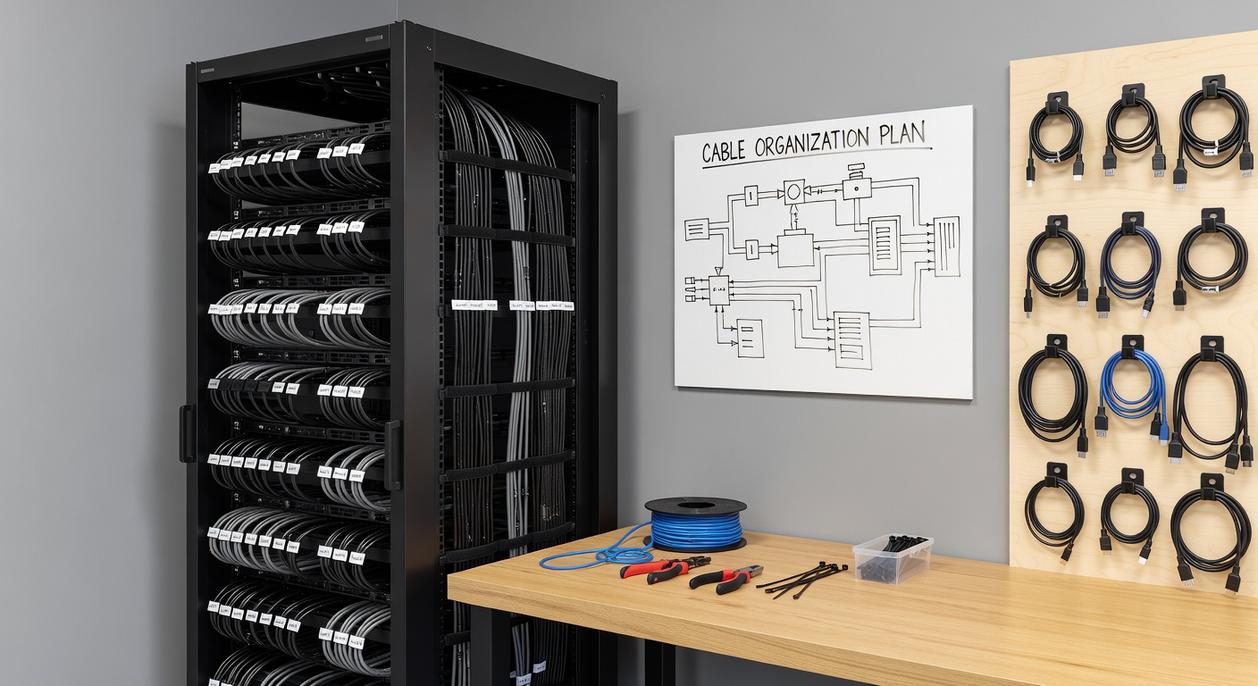
“Why does it look like I’m powering a small city under here?” my friend muttered, staring at the cable jungle beneath his desk. That’s usually the moment the One Power Source Rule changes everything.
First, mount a power strip to the underside of your desk. This simple move centralizes every plug—PC, monitors, speakers—and keeps them off the floor (where dust bunnies love to party). By creating a single hub, you reduce visible clutter and make troubleshooting easier. As one setup enthusiast told me, “If it’s not mounted, it’s chaos.”
Next, let’s talk monitor cables. Most modern monitor stands include built-in routing channels—a routing channel is simply a hollow track designed to guide cables downward out of sight. Use it. If your stand doesn’t cooperate, bundle display and power cables together with a sleeve (a flexible fabric tube that groups wires neatly). Suddenly, two dangling cords become one clean line.
Now for keyboards, mice, and headsets. Adhesive cable clips along the back edge of your desk guide wires discreetly out of view. “Run everything backward, never sideways,” a competitive gamer once advised me. For wireless gear, manage charging cables the same way—route them to the rear so they appear only when needed.
Finally, combine an under-desk power strip with cable raceways—plastic channels that conceal wires along surfaces—to create the coveted Floating Desk Illusion. From a normal seated position, wires practically vanish.
In other words, great pc cable management tips aren’t about hiding everything. They’re about guiding cables so intentionally that no one notices them at all.
Cable combs are small plastic guides that snap onto your 24-pin or GPU leads, spacing each wire evenly for perfectly parallel runs. They transform messy bundles into clean, show-floor symmetry (yes, the kind you see in build montages). By training cables early, you reduce sag, improve airflow, and elevate your pc cable management tips to pro status.
Custom sleeved cables take it further. These individually sleeved, custom-length sets replace stock PSU wires, eliminating excess slack and tight bends. Brands like CableMod offer precise measurements, vibrant colorways, and comb compatibility for a flawless interior. Pro tip: measure twice before ordering carefully.
Enjoy Your Optimized, Clutter-Free Gaming Environment
So, what does a truly optimized setup feel like? You now have a complete strategy to eliminate chaos inside your case and across your desk. No more restricted airflow, no more frustrating component swaps, and definitely no more unsightly wire nests glaring at you mid-match.
Instead, your rig runs cooler, cleaner, and quieter. And when upgrades come calling, you’re ready.
Have you ever wondered why some battlestations just feel elite?
Start small. Apply proven pc cable management tips to the worst offenders first. Then build momentum—and enjoy the satisfaction of an organized gaming sanctuary.
Level Up Your Setup with Smarter Optimization
You came here to find practical ways to upgrade your gaming performance, clean up your setup, and gain a competitive edge—and now you have the blueprint to do it. From hardware tweaks to smarter configuration choices, you’ve seen how small technical improvements can unlock smoother gameplay, faster response times, and a more immersive experience.
The real frustration isn’t losing a match—it’s knowing your setup is holding you back. Messy wiring, poor airflow, unoptimized components, and overlooked tweaks can silently throttle your performance. Even simple upgrades like implementing pc cable management tips can improve cooling efficiency, extend hardware lifespan, and sharpen the overall look and function of your battle station.
Now it’s time to act. Audit your current setup, apply the optimizations you’ve learned, and fine-tune your rig for peak performance. If you’re serious about dominating your games, don’t leave performance on the table.
Ready to eliminate lag, boost FPS, and build a cleaner, high-performance setup? Explore our advanced optimization guides and step-by-step frameworks now—trusted by competitive players who refuse to settle for average. Upgrade your rig. Elevate your game. Start today.
 Founder & Chief Technology Strategist
Sylric Norricson is the kind of writer who genuinely cannot publish something without checking it twice. Maybe three times. They came to tech-powered gaming innovations through years of hands-on work rather than theory, which means the things they writes about — Tech-Powered Gaming Innovations, Gaming Rig Optimization Hacks, World-Class eSports Frameworks, among other areas — are things they has actually tested, questioned, and revised opinions on more than once.
That shows in the work. Sylric's pieces tend to go a level deeper than most. Not in a way that becomes unreadable, but in a way that makes you realize you'd been missing something important. They has a habit of finding the detail that everybody else glosses over and making it the center of the story — which sounds simple, but takes a rare combination of curiosity and patience to pull off consistently. The writing never feels rushed. It feels like someone who sat with the subject long enough to actually understand it.
Outside of specific topics, what Sylric cares about most is whether the reader walks away with something useful. Not impressed. Not entertained. Useful. That's a harder bar to clear than it sounds, and they clears it more often than not — which is why readers tend to remember Sylric's articles long after they've forgotten the headline.
Founder & Chief Technology Strategist
Sylric Norricson is the kind of writer who genuinely cannot publish something without checking it twice. Maybe three times. They came to tech-powered gaming innovations through years of hands-on work rather than theory, which means the things they writes about — Tech-Powered Gaming Innovations, Gaming Rig Optimization Hacks, World-Class eSports Frameworks, among other areas — are things they has actually tested, questioned, and revised opinions on more than once.
That shows in the work. Sylric's pieces tend to go a level deeper than most. Not in a way that becomes unreadable, but in a way that makes you realize you'd been missing something important. They has a habit of finding the detail that everybody else glosses over and making it the center of the story — which sounds simple, but takes a rare combination of curiosity and patience to pull off consistently. The writing never feels rushed. It feels like someone who sat with the subject long enough to actually understand it.
Outside of specific topics, what Sylric cares about most is whether the reader walks away with something useful. Not impressed. Not entertained. Useful. That's a harder bar to clear than it sounds, and they clears it more often than not — which is why readers tend to remember Sylric's articles long after they've forgotten the headline.